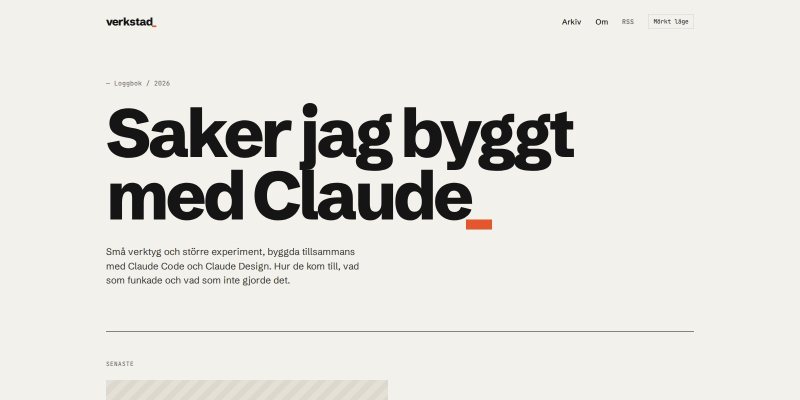
 verkstad_This blog, with admin, API and MCP
From sketch to code
It all started in Claude Design. That's where I worked out the whole look: home page, archive, post page, about page, error pages and every screen of the admin panel, in light and dark themes. What came out was a handoff folder with a clickable HTML prototype and a README with colours, typography and spacing – sharp corners, no shadows, only lines.
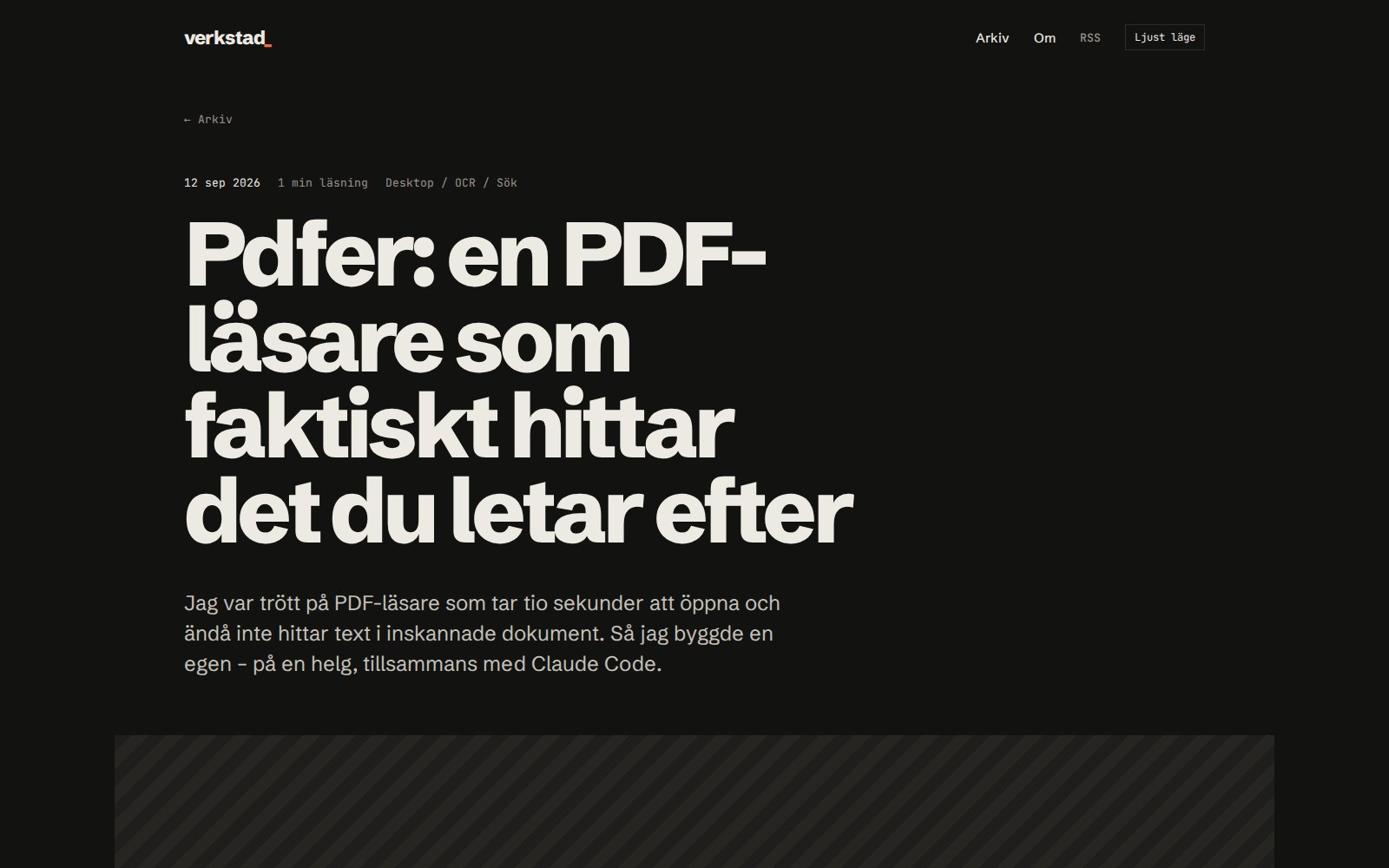
Then Claude Code took over. I gave a short description: PHP and MariaDB, pre-rendered HTML for visitors, React only for the admin, and the same setup locally in Docker as on the server. Claude read the design, asked about the decisions that really were mine – how the pages should be rendered, where the database should live, which markdown to support – and wrote a plan before a single line of code existed.
How it's built
- Public pages are plain HTML from PHP templates. Every page is saved as a file and served without even asking the database; when I change something, the cache is emptied.
- The admin is a separate React app at an address that isn't /admin. Drafts save themselves; published posts only change when I press Update.
- One API is used by the admin, by scripts with API keys and by the MCP server, so every rule – slugs, tags, validation – lives in one place.
- The MCP server lets Claude read the blog's writing guide, create drafts, upload images and attach files. It only publishes when I ask it to.
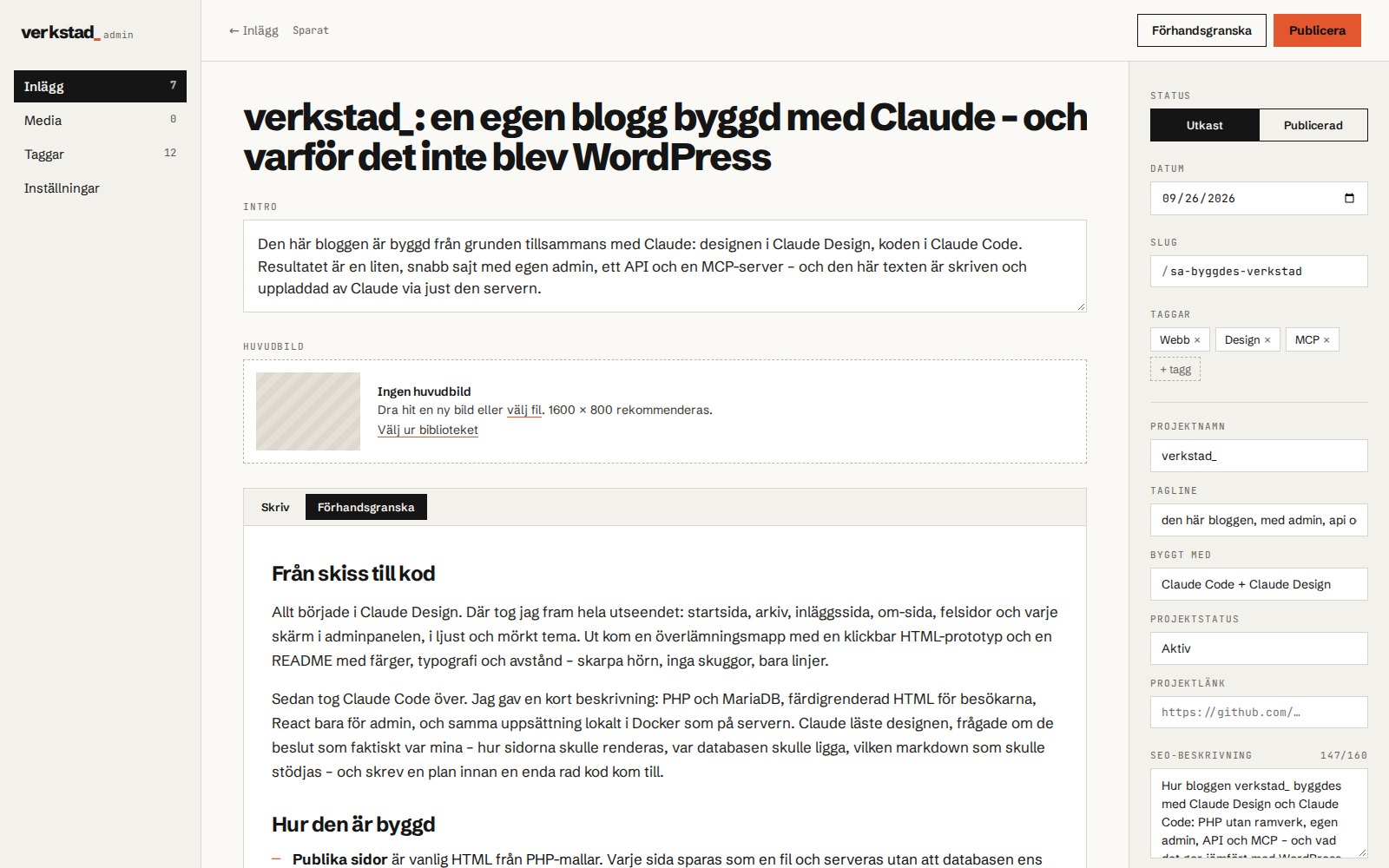
Two things I wouldn't have thought of myself: the markdown parser exists in two identical versions, one in PHP and one in TypeScript, so the editor's preview is exactly the page that gets published. And every change carries the version it started from – if I write in one tab while Claude edits through MCP, I get a warning, not a silent overwrite.
The way of working
Everything to be done lived as cards in Linear: what was built and verified, what was waiting for me to try it, and what was waiting for a decision from me. A card only moved to done once it was tested, with the measurement written on the card. That made it easy to pick up again the next day.
The tests caught real bugs. The best example: all navigation in the admin crashed in my browser but not in the tests. The reason was that newer browsers return a promise from window.scrollTo, which React tried to run as a cleanup function. Now the browser test runs with the same behaviour, so the bug can't come back unnoticed.
The hard part wasn't the code – it was knowing which decisions were mine.
Why not WordPress?
WordPress is a good choice for a great many people. But for a personal logbook like this one, most things speak for something small and my own:
- Speed. A page weighs around 95 kB and is served as a finished file. Lighthouse gives 100 for performance, accessibility, best practices and SEO – without cache add-ons or optimisation plugins.
- Security. No third-party plugins or themes, no well-known login address to guess passwords against, and the database password lives outside the web server's directory. The attack surface is small and my own.
- Privacy. The page fetches nothing from other servers – the fonts are local, there is no tracking and no external scripts.
- The design comes out exact. No theme customisation fighting a framework; the pages are the design.
- Claude as a real writer. The MCP server is built for this very blog and knows what a post here should look like.
- No update marathon. No core updates, plugin updates or compatibility problems to keep up with.
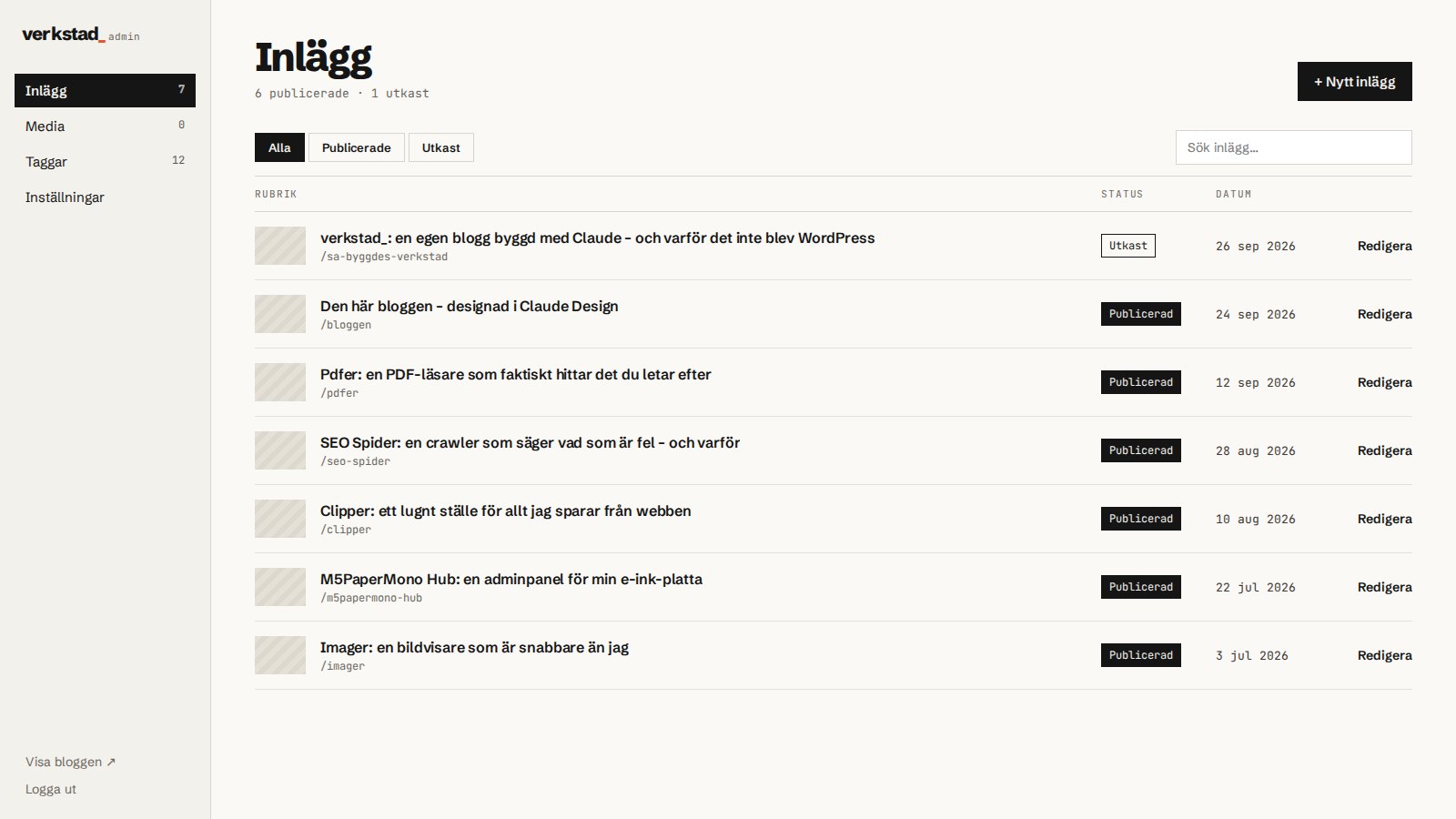
There are downsides, of course. I maintain the code myself, there is no ecosystem of add-ons, no comments and no editorial team with several roles. Anyone who doesn't want to touch code is better off with WordPress. But with Claude Code, "maintaining the code yourself" is something quite different from what it used to be – a change is a card in Linear and a short conversation.
Make your own
Under Files in the sidebar you'll find IDEA.md: a description of the idea, the decisions that turned out to matter and a ready-made prompt to give Claude Code to build a blog like this.