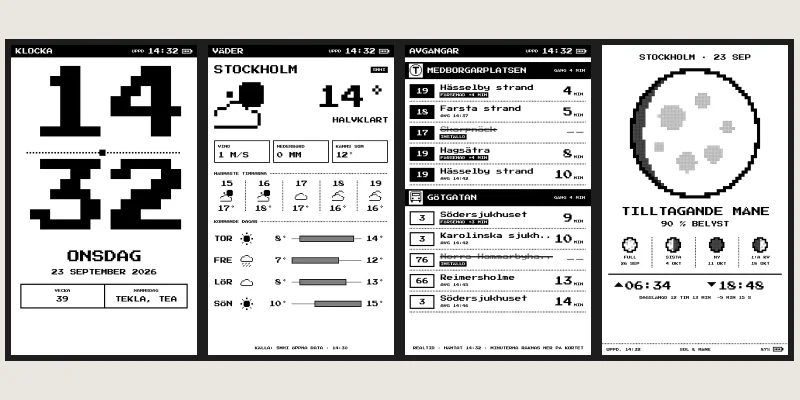
 Paper MonoE-ink info board with clock, weather, departures and more apps
Why an info board of my own?
I wanted a small info board at home: clock, weather, departures and the shopping list on a screen that draws little power and is always visible. M5Stack's Paper Mono is a small card with an e-ink screen of almost four inches, a touch screen, a battery and Wi-Fi – and the image stays even while the card sleeps.
Paper Mono
Paper Mono is three parts that fit together:
- The program on the card fetches what to show from the hub at regular intervals, draws it and sleeps in between. The clock ticks on the card even without a network. Hold button A for two seconds and the app picker comes up.
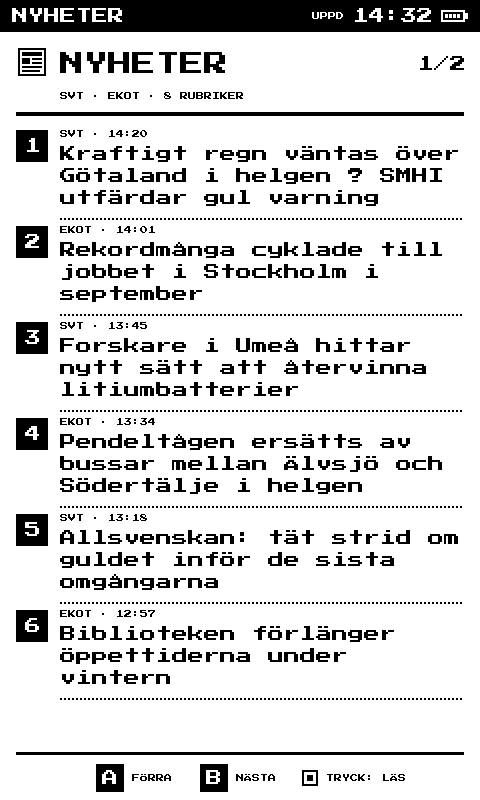
- The hub is a small server that fetches the data: the weather from SMHI, departures from Trafiklab, the calendar from an ICS link and news from RSS feeds. The card only gets what it needs, and nothing at all if nothing has changed.
- The admin is a web page where you pick the app and set up each card. The preview is drawn by exactly the same code as the card, so what you see there is what comes up on the screen.
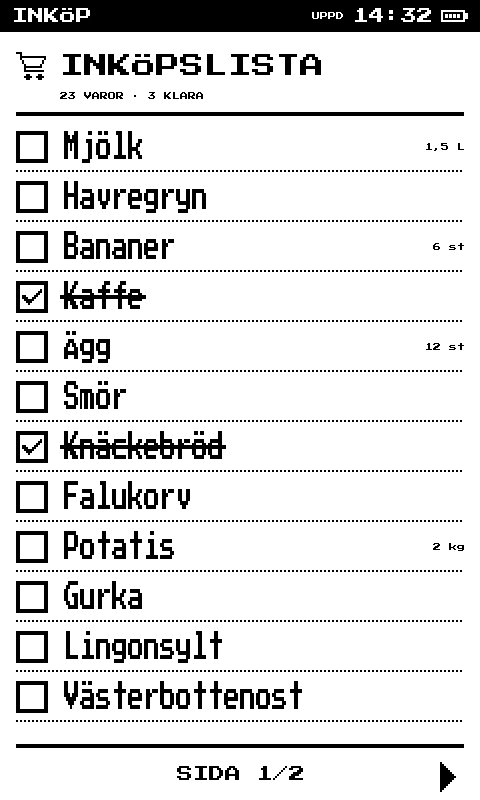
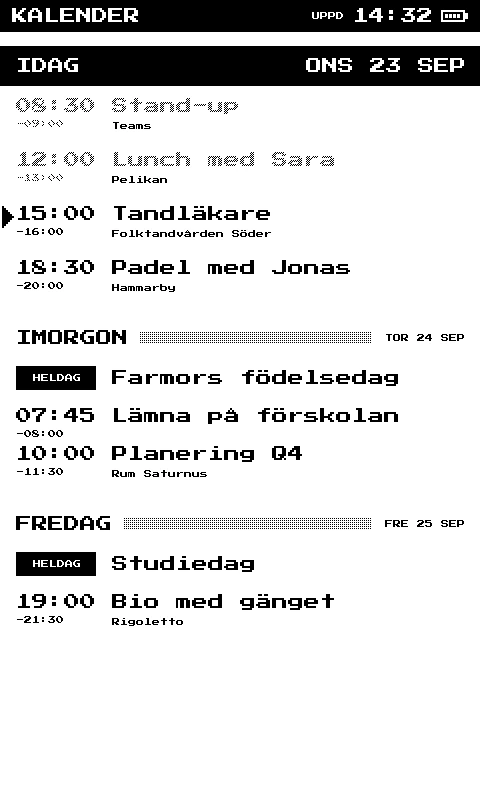
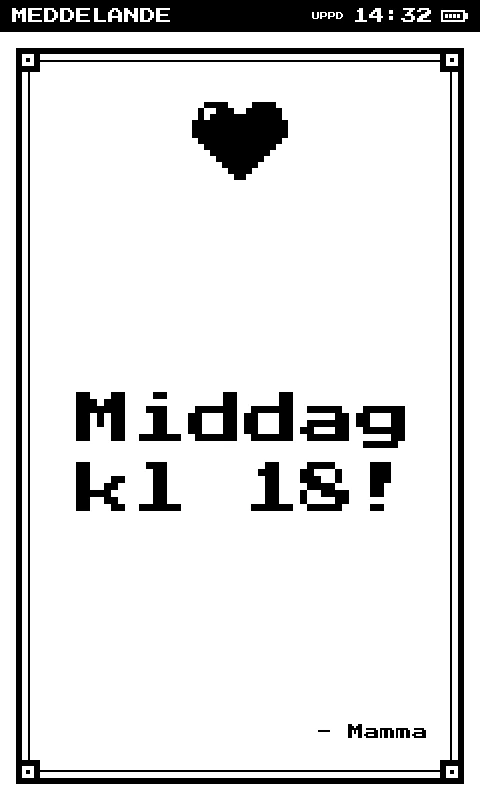
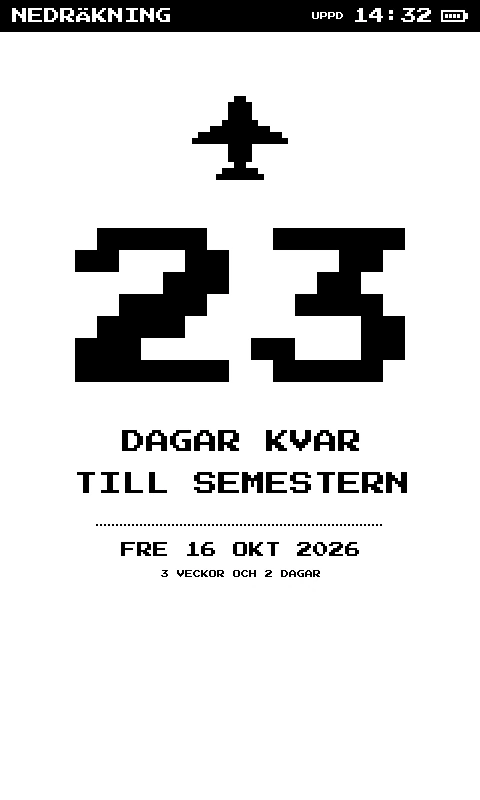
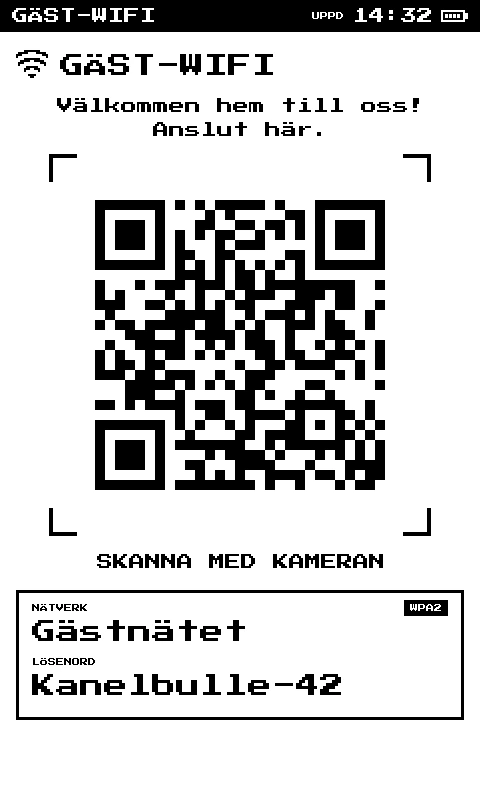
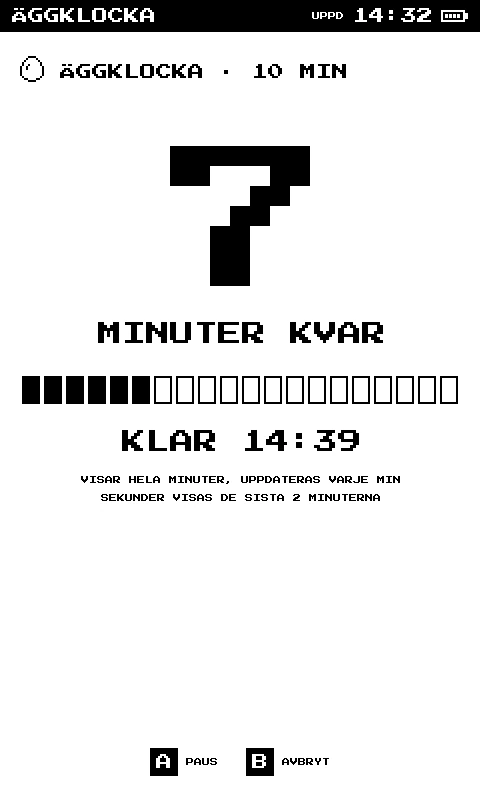
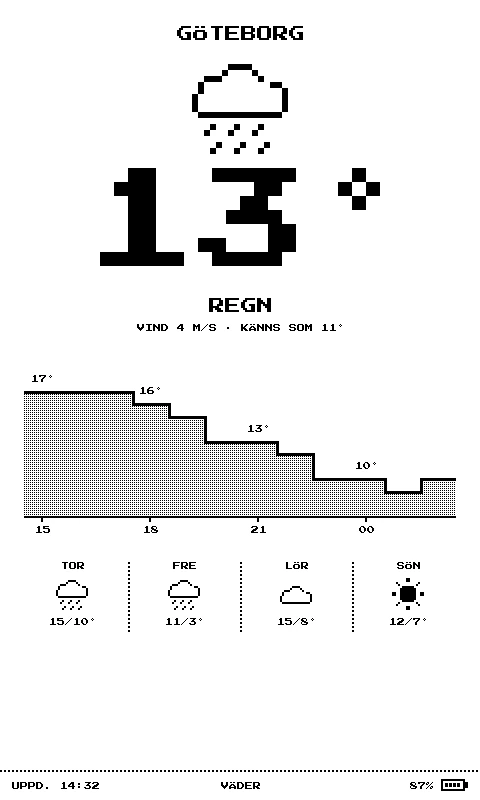
The apps are a clock with an egg timer, shopping list, weather, calendar, departures, message, news, countdown, guest Wi-Fi with a QR code, and sun and moon – where the moon is drawn tilted the way it looks in the sky from your location. Cards of the model with LoRa radio can also send short messages to each other, without Wi-Fi.
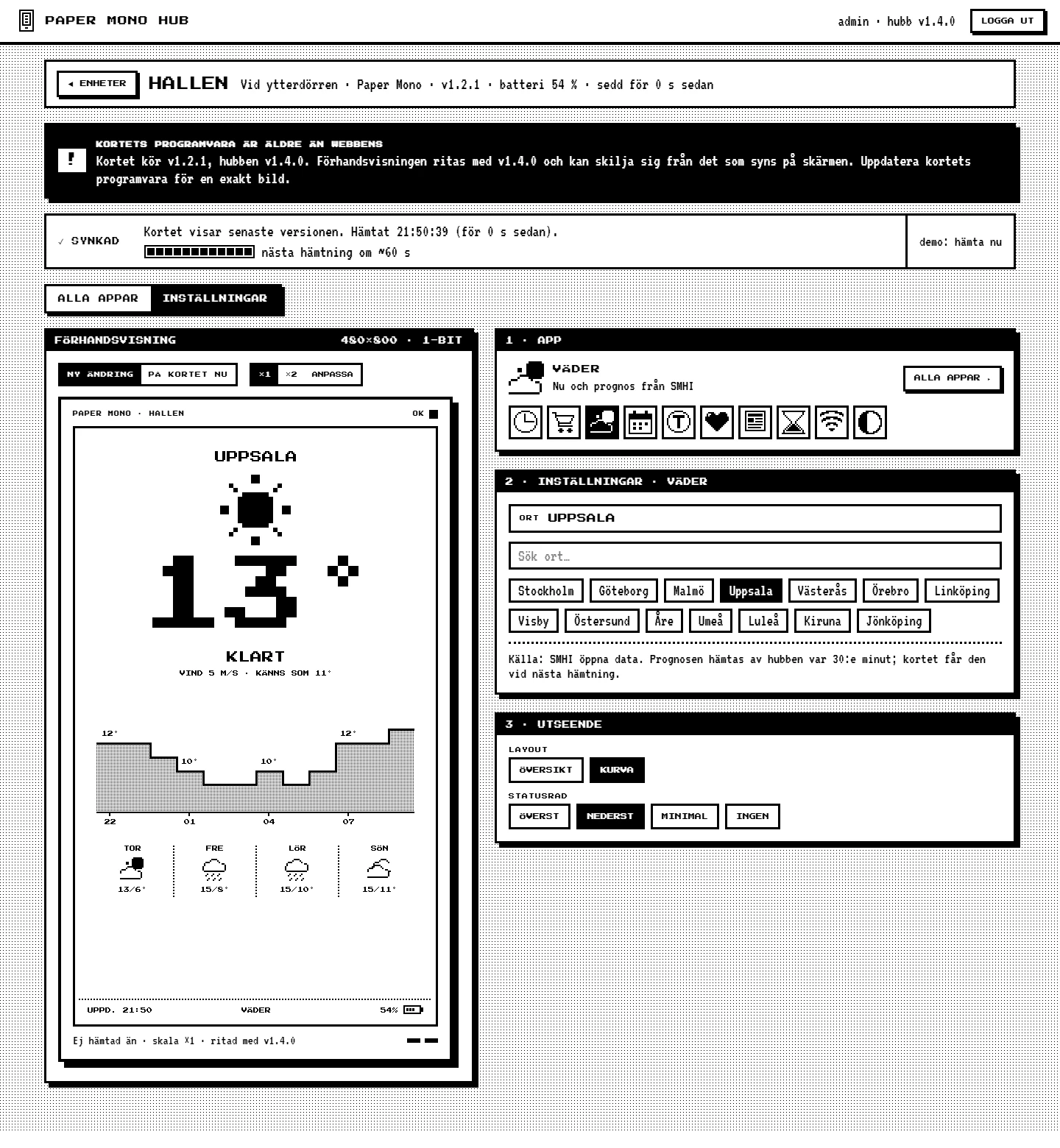
Around that is what makes the cards livable: a new card is paired by comparing a code on its screen with the one in the admin, Wi-Fi is set up from a phone via a QR code on the card, how often the card fetches is chosen per card, and the LED on the side shows the battery level. The admin keeps a battery log and sends an email with a picture of the screen when it's time to charge.
More screens from the card:
How it was made
It all started in Claude Design: every screen on the card, the admin and a reference renderer in JavaScript that draws the screens pixel by pixel. Claude Code ported it to a drawing core in C++, line by line, compiled three ways: for the card, to WebAssembly for the preview in the admin, and for the PC for the tests. The same code gives the same pixels everywhere.
The ground truth is the design's own renderer, run in a real browser: 65 screens with exact image buffers. The core has to get 65 right and 0 wrong, both on the PC and as WebAssembly, after every change. The hub is PHP with MariaDB, and the admin is React. Claude Code writes the code, compiles it and uploads the program to the card from WSL. I try it on the card.
Along the way
The screen flashed ten times. On e-ink, the graphics library refreshed the screen after every single draw call. An image with ten parts flashed black and white more than ten times. Now everything is drawn in a single transaction, and the screen refreshes once.
The touch screen was mirrored. Taps landed mirrored and wrongly scaled, because the library rotated the touch coordinates even though they already matched the image. A fix after startup removes the rotation – and a test runs after every library update, in case the bug gets fixed there.
Startup took fourteen seconds. From startup to the first image took 14.5 seconds: the library cleared the screen three times with full quality refreshes. Two of them could be switched off. Now it takes 4 seconds.
The serial port seemed dead. Nothing came out, so the port looked broken. But startup took eleven seconds before the program said anything at all, and the tool for reading the port wrote nothing when run from WSL. Now the port is read another way.
The card didn't wake with the cable in. In tests without a cable, the card slept and woke 706 times in twelve hours without a single error. With the USB cable in, it sometimes never woke. It's a known problem with the card's processor – so battery and sleep are always tested without the cable.
Compared with the alternatives
M5Stack has its own tool, UIFlow, for programming the card. What I wanted was something else: several apps set up from a web page, data from a hub of my own, and a preview that is exactly what the card shows.
According to the latest measurements the battery lasts a stable 10–11 days, and the goal is 14 days.
Try it yourself
Under Files you'll find IDEA.md: a description of the project and everything I learned during the build, written as a brief. Give it in full to Claude Code and you have the groundwork for an e-ink info board of your own.